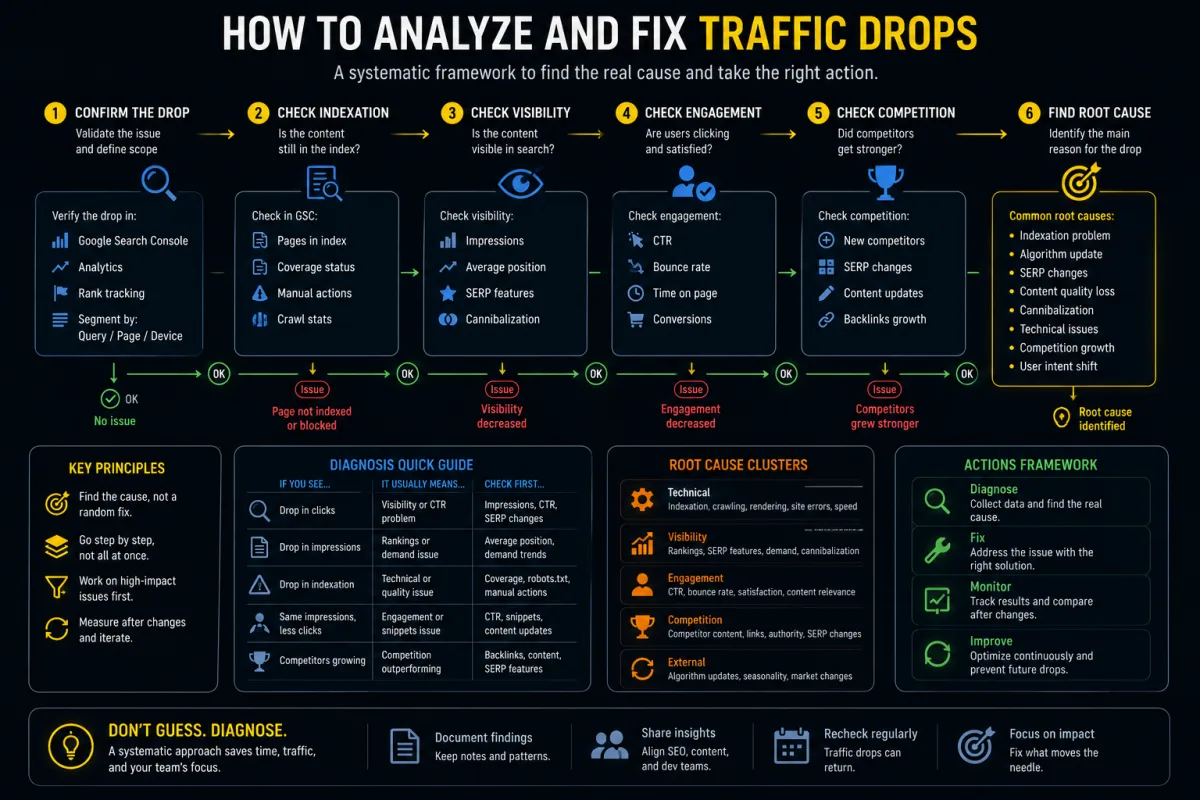
Google's June 2026 guidance on third-party SEO tools is not an attack on SEO software. It is a useful reminder: a tool recommendation is not automatically a site-change instruction.
That distinction matters more now because SEO teams are no longer reviewing only static audit exports. They are reviewing AI-generated audits, MCP-connected crawler summaries, AEO/GEO dashboards, automated ticket creation, content optimization scores, link risk scores, and technical recommendations produced by tools that may sound more confident than the evidence allows.
Tools can be useful. They can find patterns faster than a human can. They can monitor large sites, compare crawls, identify broken templates, flag missing metadata, group Search Console data, and produce drafts for developer tickets.
But tools do not have access to Google's internal ranking data. They cannot guarantee performance. They can misinterpret a page, overstate a warning, or recommend work that is technically correct but commercially irrelevant.
The practical question is not "should we use SEO tools?" You should, if they save time and improve evidence. The practical question is: how do you evaluate a tool's recommendation before it changes the site?
What Changed
On June 5, 2026, Google added a new documentation page about third-party SEO tools, services, and advice. Google also updated its "Do you need an SEO?" documentation with guidance on evaluating an SEO's recommendations and the tools they use.
The new guidance is especially relevant to advice around AI search experiences, often marketed as AEO or GEO. Google's position is straightforward: evaluate external advice against official Google Search guidance, be cautious with claims that imply Google approval, and use first-party Google tools such as Search Console for data directly from Google Search.
For businesses, this changes the review standard. A dashboard score is not enough. A tool saying "fix this for AI visibility" is not enough. A consultant saying "Google wants this" is not enough. The recommendation needs a traceable reason, a source, a site-specific diagnosis, and a decision owner.
Why This Matters for AI SEO Tools and GEO Advice
AI SEO tools often combine crawler data, Search Console exports, keyword databases, third-party visibility estimates, LLM-generated analysis, content scoring, competitor summaries, structured data checks, internal link suggestions, and generated tickets or briefs.
Each layer can be useful. Each layer can also introduce error.
A crawler may flag missing H1s on pages where the template intentionally uses another structure. A content tool may recommend adding words that make the page less useful. A GEO dashboard may imply that a score reflects Google AI Mode visibility when it is really the vendor's own model. An AI agent may turn a warning into a developer ticket without confirming whether the issue affects important URLs.
Google's generative AI guidance reinforces that classic SEO foundations still matter: useful content, crawlability, technical clarity, page experience, non-commodity information, and Search Console validation. It also warns against overfocusing on special AI-only tricks.
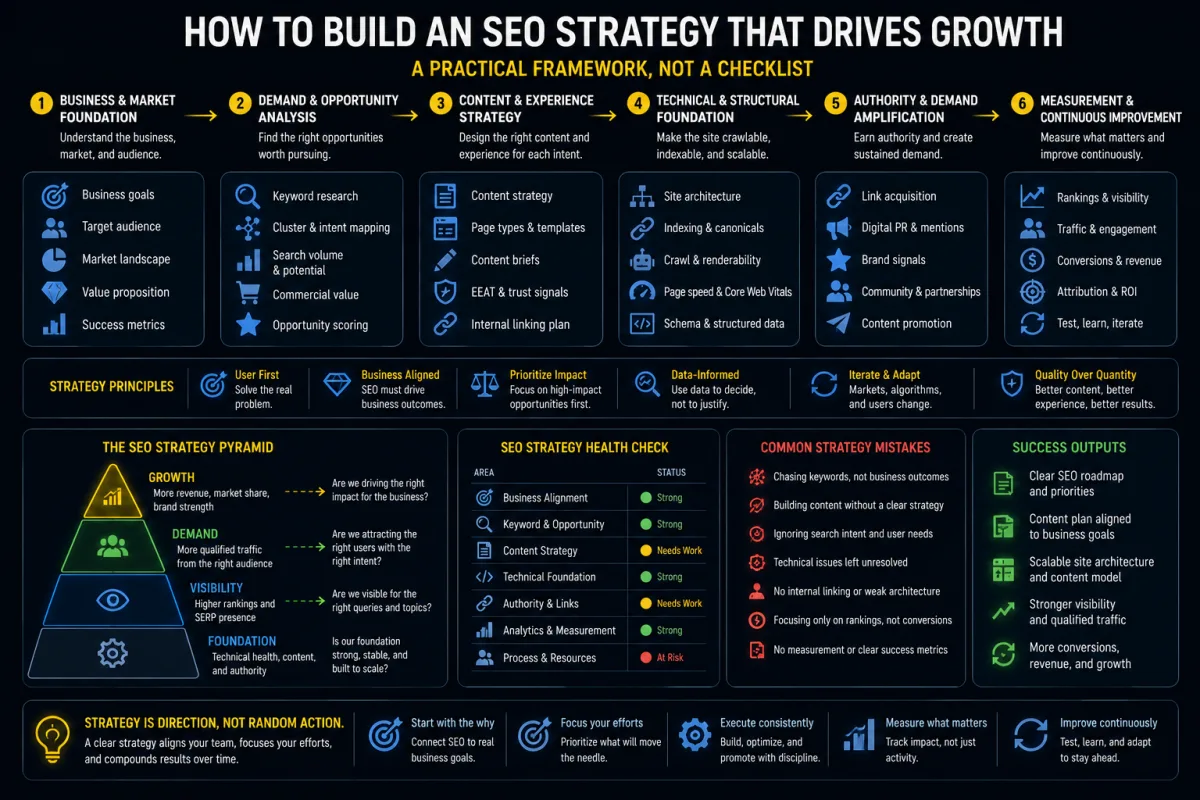
The Recommendation Audit Workflow
1. Classify the recommendation before judging it
Start by putting every recommendation into a type: technical SEO, content, AI Search/GEO, structured data, internal linking, performance, measurement, or risk/policy. This prevents a tool from flattening all work into one priority queue. A missing meta description and a broken canonical on a revenue page are not equal.
2. Separate tool data from Google data
Tools often mix their own metrics with imported first-party data. Review every metric by source: Search Console, analytics, server logs, crawler data, third-party databases, and AI model output. A third-party visibility score can be useful for trend monitoring, but it should not be treated as a Google ranking signal.
3. Ask for the evidence trail
A good recommendation should answer five questions: which URLs are affected, what evidence proves the issue exists, why the issue matters, which official guidance or site-specific business rule supports the change, and how the result will be measured.
If a tool says "optimize for AI search," ask what exactly it means. Does it mean crawlable HTML, better source citations, cleaner entity descriptions, product feed consistency, local business details, internal links, image support, or page experience?
4. Check the recommendation against official guidance
Use official documentation as the baseline, especially for claims about what Google wants. If a tool recommends AI-specific markup, check whether Google actually requires it. If a tool recommends splitting content into tiny chunks for AI, compare that with Google's AI guidance. If a tool recommends creating many query-variation pages, check whether this risks thin or scaled content.
5. Estimate impact, risk, and reversibility
Before approving a change, score it. Is this affecting important pages? Is the issue visible in Search Console, logs, crawl data, or revenue data? Could the change reduce traffic, conversions, accessibility, or page quality? Can it be reversed quickly? Does it require developer time? Does it touch sensitive claims?
A recommendation can be true but low priority. It can be useful but not worth doing now. It can be risky enough to test on a small section first.
6. Test before making broad changes
Do not apply tool-generated recommendations across thousands of URLs without a sample test. Pick a representative URL group, confirm the issue manually, check current Search Console data, inspect rendered HTML and structured data, implement the change on a small template or page set, crawl before and after, monitor data, and document the result.
7. Keep a decision log
Track tool name, recommendation, affected URL group, evidence source, official guidance checked, decision, owner, expected impact, risk level, implementation date, validation result, and rollback note.
This is especially useful for agencies. It shows clients that automation is being used responsibly. It also protects developers from receiving unreviewed tool output as if it were an approved requirement.
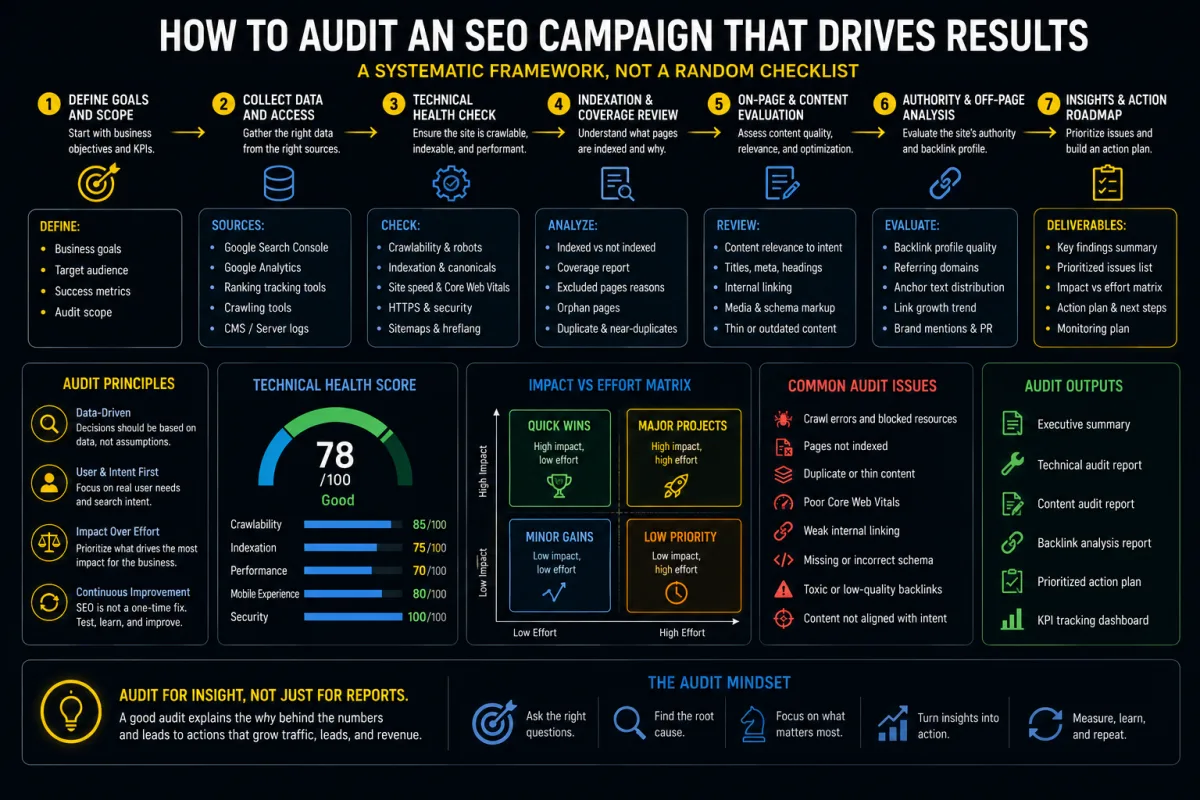
Example: How to Review an AI SEO Audit Ticket
Suppose an AI audit tool creates this ticket: "Improve AI visibility by adding FAQ schema to all service pages."
That ticket is not ready.
A proper review asks whether FAQ content is visible on the page, whether FAQPage rich results are supported for the target result type, whether the schema matches current documentation, whether the recommendation is about Google Search, AI Mode, ChatGPT, Perplexity, or a generic model, whether users need FAQ content on these pages, and whether this should be a site-wide change or a small test.
The decision might be: reject site-wide FAQ schema rollout. Investigate whether visible question-led sections would improve the AI Search service page. If added, keep content visible, useful, and specific. Do not claim FAQ schema improves AI visibility unless supported by current documentation and observed results.
Risks and When Not to Act
Do not act on a tool recommendation if it cannot identify affected URLs, does not show source data, claims access to Google's internal ranking data, guarantees rankings or AI citations, recommends hidden text or doorway pages, suggests changing templates without a test group, contradicts official guidance, is based only on a vendor score, touches sensitive claims without human review, or creates developer work without a clear user or business benefit.
Also be careful with "AI visibility" recommendations. Some are valid, such as improving crawlability, product data consistency, local business details, source clarity, original evidence, and page structure. Others are just repackaged old shortcuts with new labels.
The Bottom Line
Google's new third-party SEO tool guidance is a practical prompt to raise the review standard.
SEO tools, AI agents, crawlers, dashboards, and MCP-connected workflows can make SEO work faster. They should not remove judgment. The right workflow is evidence first: classify the recommendation, separate data sources, check official guidance, estimate risk, test changes, and keep a decision log.
For Lemon SEO clients, this fits technical SEO, AI Search/GEO, SEO-first web development, content architecture, PPC landing page QA, and marketing automation. The objective is not to reject tools. The objective is to turn tool output into defensible decisions.
For automation governance context, see how repeatable QA gates and content operations are framed in the ecommerce AI content pipeline case. Read the related case context.
Continue with SEO Tools + MCP for Claude Code and Codex, Screaming Frog v24 MCP technical audits, and Preferred Sources in Google AI Search.